
KNX Lighting Control Design: Circuits, Scenes, and Feedback
Design reliable KNX lighting control with clear circuits, load interfaces, scenes, sensor logic, status feedback, fail states, and acceptance tests.
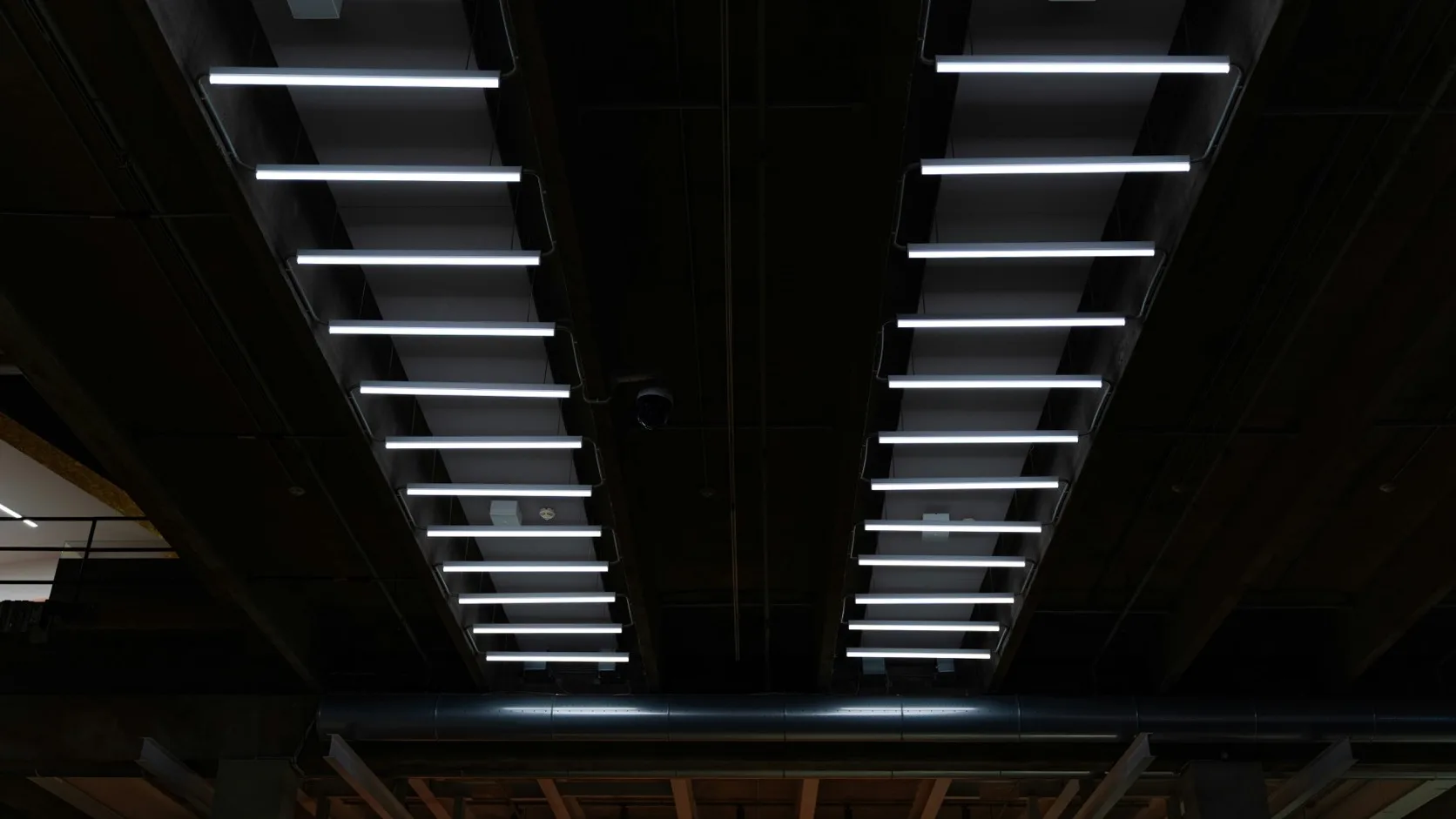
Good KNX lighting control begins with the lighting designer’s circuits and the user’s operating needs. KNX cannot rescue a poor circuit arrangement, an incompatible driver, or a scene brief that nobody has approved.
The control design should answer five questions for every lighting group: what is the load, who can command it, what feedback is available, what happens automatically, and what happens after a failure?
Build the circuit schedule first
| Field | Example |
|---|---|
| Location | L03 Meeting Room 3.12 |
| Circuit ID | L3-M312-02 |
| Luminaire/driver | 8 × 24 W DALI LED panel |
| Control method | DALI broadcast group via KNX-DALI gateway |
| Normal controls | Keypad, presence sensor, room scene |
| Central controls | After-hours OFF, fire strategy as separately approved |
| Feedback | Dimming value and driver/lamp fault |
| Failure state | Local manual operation available; documented gateway recovery |
| Test requirement | 0/10/50/100%, scene recall, absence timeout, status update |
One row per controlled group creates the bridge between electrical drawings, KNX group addresses, and commissioning sheets.
Select the control method by load and function
| Method | Best suited to | Strength | Design warning |
|---|---|---|---|
| Relay switching | ON/OFF circuits | Simple, robust, easy to test | Check LED inrush, contact rating, and feedback |
| Phase-cut dimming | Compatible small lamp/driver groups | No separate control bus | Driver compatibility and low-level flicker must be tested |
| 0/1–10V | Compatible commercial driver groups | Familiar analogue control | Often needs separate mains relay; observe signal rules |
| DALI/DALI-2 | Addressable luminaires, flexible groups, diagnostics | Individual addressing and feedback | Requires gateway, DALI commissioning, and clear ownership |
Do not write “KNX dimming” without naming the electrical interface. KNX carries commands; the actuator or gateway must still match the luminaire driver.
Command and feedback are different objects
A dependable design normally provides separate group addresses for command and status.
L03 / Meeting 3.12 / Light 02 / Switch Command
L03 / Meeting 3.12 / Light 02 / Switch Status
L03 / Meeting 3.12 / Light 02 / Dim Relative
L03 / Meeting 3.12 / Light 02 / Dim Value Command
L03 / Meeting 3.12 / Light 02 / Dim Value Status
The switch status should come from the actuator or gateway. If a keypad changes its LED only because it sent an ON command, it can become wrong after a scene, schedule, BMS command, or another keypad operates the circuit.
For DALI, distinguish commanded level from confirmed level and from driver/lamp fault. A dashboard that shows “ON” while a driver fault is active is not giving the facility team the whole answer.
Decide where scenes live
KNX scenes can be stored in actuators, keypads, room controllers, touch panels, or a server. The design should choose one owner per scene set.
| Scene location | Advantage | Risk |
|---|---|---|
| Actuator/dimmer | Local and resilient | Values spread across several devices |
| Room controller | Clear room-level ownership | Controller replacement affects the room scene set |
| Touch panel | User-friendly editing | Panel availability becomes important |
| Central server | Easy portfolio-wide management | Network/server dependency for local operation |
For essential daily room scenes, local storage is often more resilient. A central server may coordinate building-wide modes, but a meeting room should not lose basic scene recall because an analytics server is offline.
Scene documentation needs more than names. Record the participating circuits, target levels, fade time, blind/HVAC actions if included, whether the user may store changes, and the reset/default method.
Occupancy control without annoying users
Presence control fails when the sensor and timing are selected from the ceiling plan alone.
Define:
- detection zone and desk/activity coverage;
- manual ON or automatic ON policy;
- absence delay;
- warning or fade before OFF;
- treatment of small movements;
- interaction with wall controls;
- after-hours behaviour;
- cleaning and maintenance override.
In offices, manual ON with automatic OFF can save energy without surprising occupants. Corridors may use automatic operation with a background level. Storage rooms may use short delays. One global timer is rarely appropriate.
Daylight control needs boundaries
Closed-loop daylight control should state the target, sensor position, controlled groups, minimum artificial-light level, response speed, and user override. If window and internal rows receive different daylight, control them separately.
Slow changes feel natural and avoid hunting. The commissioning team should tune the loop with actual furniture and finishes in place; a bare white room reflects differently from the occupied space.
Central commands and priority
List every possible control source and assign priority:
| Source | Typical authority | Release condition |
|---|---|---|
| Local keypad | Normal occupant control | Next local/automatic action |
| Presence/daylight logic | Automatic room control | Occupancy or manual override policy |
| Scene | Coordinated room state | New scene or local adjustment |
| Schedule | After-hours/operational mode | Next schedule state or authorized override |
| BMS/facility command | Building operation | Explicit release/timeout |
| Emergency signal | Defined by approved safety strategy | Safety system reset |
Avoid permanent forced states with no visible indication. Facility staff need to know why a local button is being ignored.
Life-safety and emergency-lighting requirements must follow applicable electrical and fire standards. KNX logic should not replace required certified emergency functions.
Failure and recovery design
For each actuator and gateway, set and test behaviour after:
- KNX bus loss;
- mains loss;
- mains recovery;
- KNX recovery;
- application download;
- gateway or network restart;
- sensor failure or stale value.
“Last state” is not always safe. Exterior lighting may need a fallback schedule; hotel-room lighting may remain off after recovery; public-area circuits may require an operational state agreed with the owner. Write the answer circuit by circuit where the consequences differ.
Commissioning test matrix
| Test | Pass condition |
|---|---|
| Local command | Correct circuit operates and feedback updates |
| Multi-way control | All keypads stay synchronized |
| Dimming range | Stable from approved minimum to maximum |
| Scene recall | Every participating circuit reaches documented level |
| Presence timeout | Correct delay and warning/fade behaviour |
| Daylight response | Target maintained without visible hunting |
| Central OFF | Intended circuits switch; excluded circuits remain unaffected |
| Recovery | State matches documented failure strategy |
| Fault reporting | Simulated/real supported fault reaches facility interface |
Test at night or under controlled daylight for scenes and dimming. A bright construction site can hide uneven low-level output.
Handover records
Deliver the final circuit schedule, group-address list, actuator/gateway parameters, DALI address/group export, scene table, sensor settings, test sheets, and ETS project. Record who may change scene values and how defaults are restored.
For buildings with frequent fit-outs, include a simple rule for adding or moving circuits. Uncontrolled changes to one gateway or scene table can create faults far from the modified room.
FAQ
Should lighting scenes be stored in a server?
Only when the availability and maintenance model justify it. Local room scenes are often more resilient in actuators or room controllers; central systems are useful for building-wide coordination.
Why do KNX buttons sometimes need two presses?
The keypad’s internal state is often out of sync because correct actuator feedback was not linked. Use dedicated status objects and test after scenes and central commands.
Is DALI always better than KNX phase-cut dimming?
No. DALI is strong for addressable commercial luminaires and diagnostics. Compatible phase-cut control can be simpler for a small circuit. Driver, function, cabling, and maintenance requirements decide.
How many lighting groups should a room have?
Enough to support the lighting concept and useful scenes, but not so many that operation and commissioning become confusing. Define groups with the lighting designer and end user.
Technical references
- KNX Association, practical KNX scene planning
- KNX Association, keeping push-button state synchronized with feedback
- KNXmart, KNX lighting scene design best practices
- KNXmart, KNX and DALI lighting integration
A lighting-control design is ready when every circuit has a compatible electrical interface, an understandable control owner, trustworthy feedback, a documented fallback, and a test that proves it.