
KNX Line Coupler vs Area Coupler vs IP Router
Understand KNX line couplers, area couplers, and IP routers with topology examples, address roles, routing vs tunneling, filter tables, and test checks.
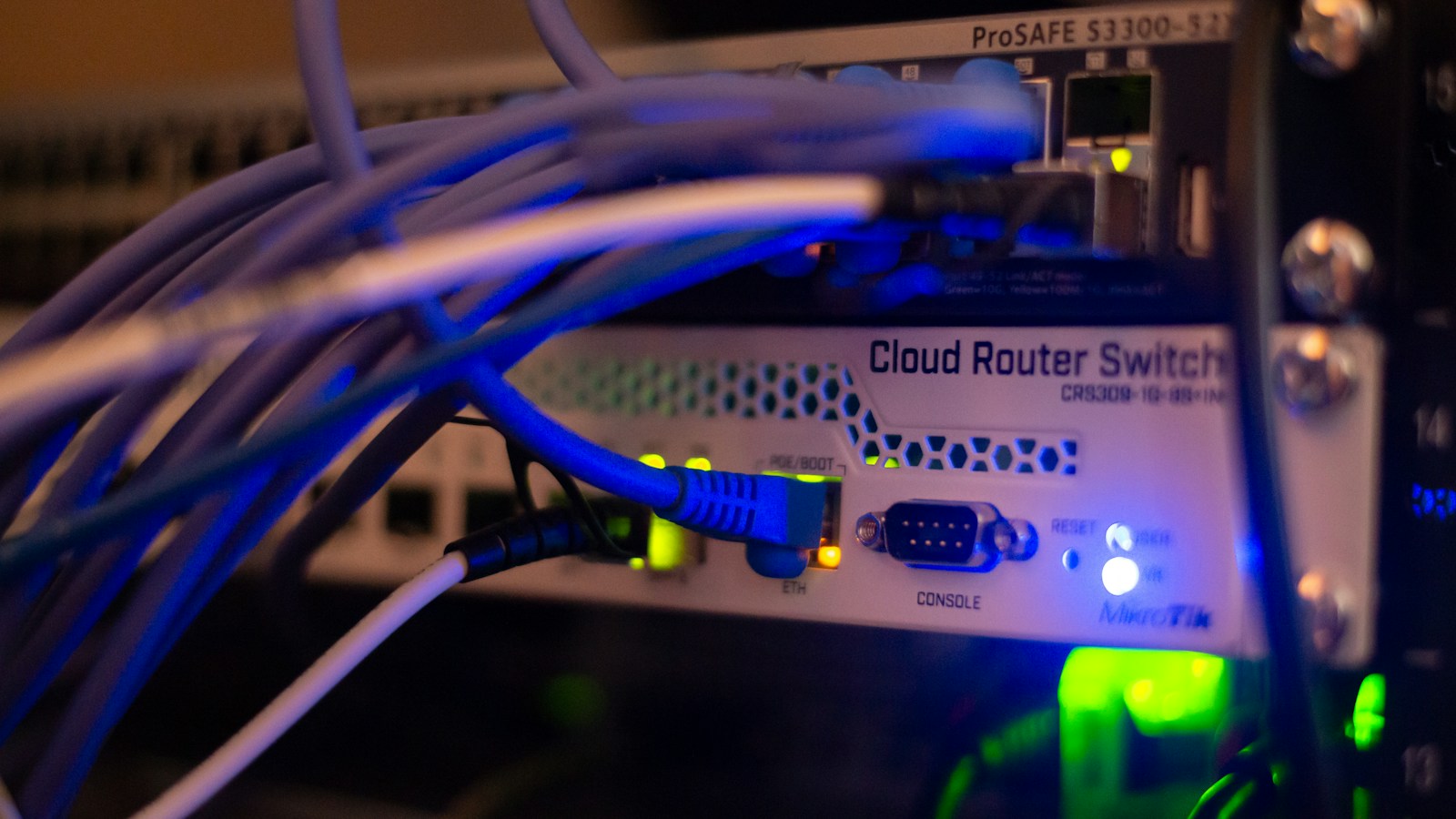
“Line coupler or IP router?” sounds like a choice between two unrelated devices. It is really two questions: where does the device sit in the KNX topology, and which communication medium connects that level?
A line coupler connects a subordinate line to its main line. An area coupler connects an area’s main line to the backbone. A KNX IP router connects KNX TP to an IP-based KNX routing network and can perform a line-coupler or area-coupler role when its application supports that topology.
In other words, line and area describe roles. IP describes the communication path on one side. That distinction makes the equipment schedule much easier to read.
The compact comparison
The addresses below illustrate conventional line/area coupler roles. They are not a complete description of every segment-coupler, repeater, or newer topology option.
| Device / role | What it connects | Illustrative individual address | Main selection question |
|---|---|---|---|
| TP line coupler | TP line to TP main line | 1.2.0 for line 1.2 | Is a TP main line the intended connection between these lines? |
| TP area coupler | TP main line to TP backbone | 1.0.0 for area 1 | Does the design actually cross between areas? |
| IP router as line coupler | TP line to IP main-line level | 1.2.0 | Is the higher-level medium configured as IP? |
| IP router as area coupler | TP main line to IP backbone | 1.0.0 | Does the device and project support this role? |
| IP tunneling interface | IP client access to a KNX installation | Device and tunnel addresses per application | Is client access sufficient, without routing between lines? |
Siemens’ N 146/03 topology documentation gives a manufacturer example of an IP router used as a line or area coupler, with electrically separate TP lines and filter-table-based forwarding. Confirm equivalent capabilities on the actual device being purchased.
Do not confuse a KNX IP router with the building’s ordinary internet router. It does not replace the network switch, firewall, or internet gateway, and it does not require the KNX installation to be exposed to the internet.
A two-floor example without unnecessary hierarchy
Assume a small project has two TP lines: floor one is line 1.1 and floor two is line 1.2. A reception control must switch selected lights on both floors. The address choices are illustrative and do not size the lines.
One valid design approach uses a TP main line 1.0, with suitable line couplers at 1.1.0 and 1.2.0. Another uses compatible IP routers in those line-coupler roles and configures the higher-level connection as IP. These are alternatives to be engineered, not two paths to install in parallel by default.
| Design option | Cross-floor communication path | Coordination work |
|---|---|---|
| TP main line | Floor TP line → TP coupler → TP main line → TP coupler → other floor | Bus power, cabling, topology and filter configuration |
| IP main-line level | Floor TP line → KNX IP router → approved IP network → KNX IP router → other floor | Network services, multicast behavior, security and router configuration |
The presence of two floors does not by itself require two KNX areas. Physical floors and logical topology need not have a one-to-one relationship. Choose the structure from capacity, traffic, cabling, isolation, maintenance, and project organization.
Do not add an area coupler “for completeness” without identifying the topology boundary it serves. Likewise, avoid an unintended second connection between the same branches. Redundancy requires a supported architecture; an extra bridge can create ambiguous or duplicate traffic paths.
See KNX topology explained for projects for the broader hierarchy.
Routing is not tunneling
Tunneling gives a client, such as ETS or a supported integration, a connection into the KNX system. Routing exchanges KNX telegrams over the IP routing network between participating devices.
Many IP routers also provide tunneling services, but the reverse is not automatically true. An IP interface that lets ETS download to devices is not necessarily able to replace the line-coupling role of an IP router.
Write the requirement in functional terms: “connect these TP lines through the IP network” or “provide an engineering access connection.” Then check the product’s routing, tunnel capacity, address requirements, Secure support, and power arrangements. The IP gateway vs interface guide helps distinguish access from protocol translation as well.
Filter tables are part of the design
Cross-line communication should be intentional. A room-only button need not send its traffic throughout the building, while a central command needs a path to every intended receiver.
KNX Association’s filter-table explanation describes how ETS uses project associations to calculate forwarding entries, and why relevant manual entries may be needed for functions not represented by normal device associations. The preview represents the planned table; changes must be downloaded to the affected couplers before the installation uses them.
| Symptom | Check before changing every coupler to “route all” |
|---|---|
| Room control works locally but not from reception | Central sender/receiver associations and the complete cross-line path |
| Command crosses the boundary but status does not return | Status group address and reverse-path filtering |
| A visualization works only on one line | Representation of its group addresses in the project and required forwarding |
| Behavior changes after a device is moved in ETS | Recalculated tables and downloads to affected couplers |
| Unexpected telegrams appear across several lines | Routing parameters, group-address scope and unintended bridges |
“Route all” can be useful in a controlled diagnostic step, but leaving it enabled to hide an incomplete project removes the intended traffic filtering. Restore the approved settings and document the cause of the missing path.
Filtering is also not authentication. A group address being allowed through a coupler does not prove the sender is authorized. Use the required KNX Secure and network controls for security rather than treating a filter table as a complete firewall.
The network contractor needs a real brief
An Ethernet link light proves a physical network connection, not correct KNX routing. Coordinate the required multicast behavior, VLAN boundaries, permitted traffic, address management, and network-switch configuration with the responsible IT team. Do not copy switch settings from an unrelated building.
Include the power design. A router’s auxiliary or PoE supply, where supported, does not automatically provide the required KNX TP bus supply. Each electrical bus section needs its approved power arrangement and budget. See KNX line and power-supply planning.
Also define what remains usable during an IP-network outage. Functions whose communication stays within a functioning TP line may continue; functions depending on cross-line routing may not. Demonstrate that boundary rather than promising the whole building is unaffected.
Validate the topology before accepting the traffic
Run the applicable ETS offline project checks. They can identify topology inconsistencies, including invalid relationships between IP and TP levels. A drawing that looks plausible is not enough if it disagrees with the project media and addresses.
Then use a small acceptance set:
| Test | Expected result to record |
|---|---|
| Local command within each TP line | Intended receiver operates with local communication |
| Approved command across lines | Command reaches each intended receiver once |
| Return status across lines | Correct status reaches the intended controller/display |
| Group address that should stay local | No unintended forwarding under approved filter settings |
| Authorized engineering access | Required connection works without broadening public exposure |
| Approved network interruption and recovery | Local and cross-line behavior match the documented dependency map |
Can the same product be a line coupler and an area coupler?
Some products support either role through their application and placement. Verify the manufacturer’s supported modes; do not assume that any coupler can perform every role simultaneously.
Is IP always preferable for a small installation?
No. It adds useful connectivity but also introduces network coordination and dependencies. Choose it where it serves the architecture, not because the word “IP” sounds more current.
What should be included in a coupler quotation?
Topology role, media on both sides, Secure requirements, supply method, required client connections, and maintenance expectations. Send KNXmart the topology drawing and point-flow requirements so the quotation can describe a functioning communication path, not just a list of DIN-rail devices.